
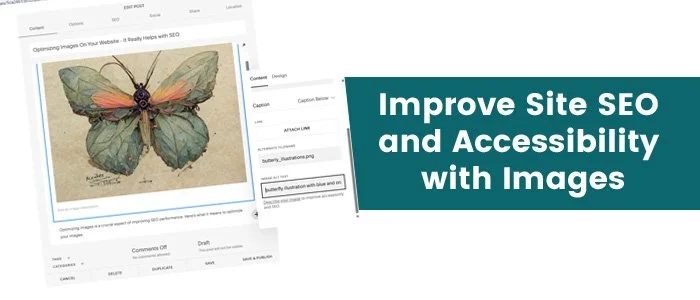
Optimizing images is a crucial aspect of improving SEO performance. Here’s what it means to optimize your images.
1. Faster Page Load Times
Impact: Optimized images reduce file sizes, leading to quicker loading times.
SEO Benefit: Search engines prioritize fast-loading pages, which can improve your rankings.
2. Improved User Experience
Impact: Faster loading times and well-placed images enhance overall site navigation.
SEO Benefit: A better user experience can lead to lower bounce rates and higher engagement, positively affecting SEO.
3. Enhanced Accessibility
Impact: Using descriptive alt text allows visually impaired users to understand the image content.
SEO Benefit: Search engines use alt text to index images, which can improve your visibility in search results.
4. Increased Relevant Traffic
Impact: Optimized images can appear in image search results, driving additional traffic to your site.
SEO Benefit: More traffic from diverse sources can enhance your overall site authority.
5. Keyword Optimization
Impact: Including relevant keywords in file names and alt text helps search engines associate images with specific topics.
SEO Benefit: This can improve your rankings for those keywords both in image searches and general web results.
6. Better Content Relevance
Impact: High-quality images that relate to your content can increase the perceived value of your pages.
SEO Benefit: This relevance can encourage longer time on page, which is a positive ranking factor.
7. Rich Snippets and Featured Images
Impact: Properly optimized images can lead to rich snippets in search results, making your listing more attractive.
SEO Benefit: Enhanced visibility in search results can increase click-through rates.
8. Social Media Sharing
Impact: Optimized images are more likely to be shared on social media, driving additional traffic.
SEO Benefit: Increased shares and backlinks from social media can improve your site’s authority.
Best Practices for Image Optimization:
Compress Images: Use tools to reduce file size without sacrificing quality.
Use Descriptive Filenames: Name image files with relevant keywords.
Add Alt Text: Write clear and concise alt text that describes the image.
Choose the Right Format: Use JPEG for photographs and PNG for graphics with transparency.
Implement Responsive Images: Ensure images display well on all devices.
By focusing on image optimization, you can significantly enhance your site's SEO performance. The Brandstalk can help you with image optimization- it’s just like copywriting, but for a slightly different reader. Contact us to talk about your project.